

Aesthetics#
Point Shapes#
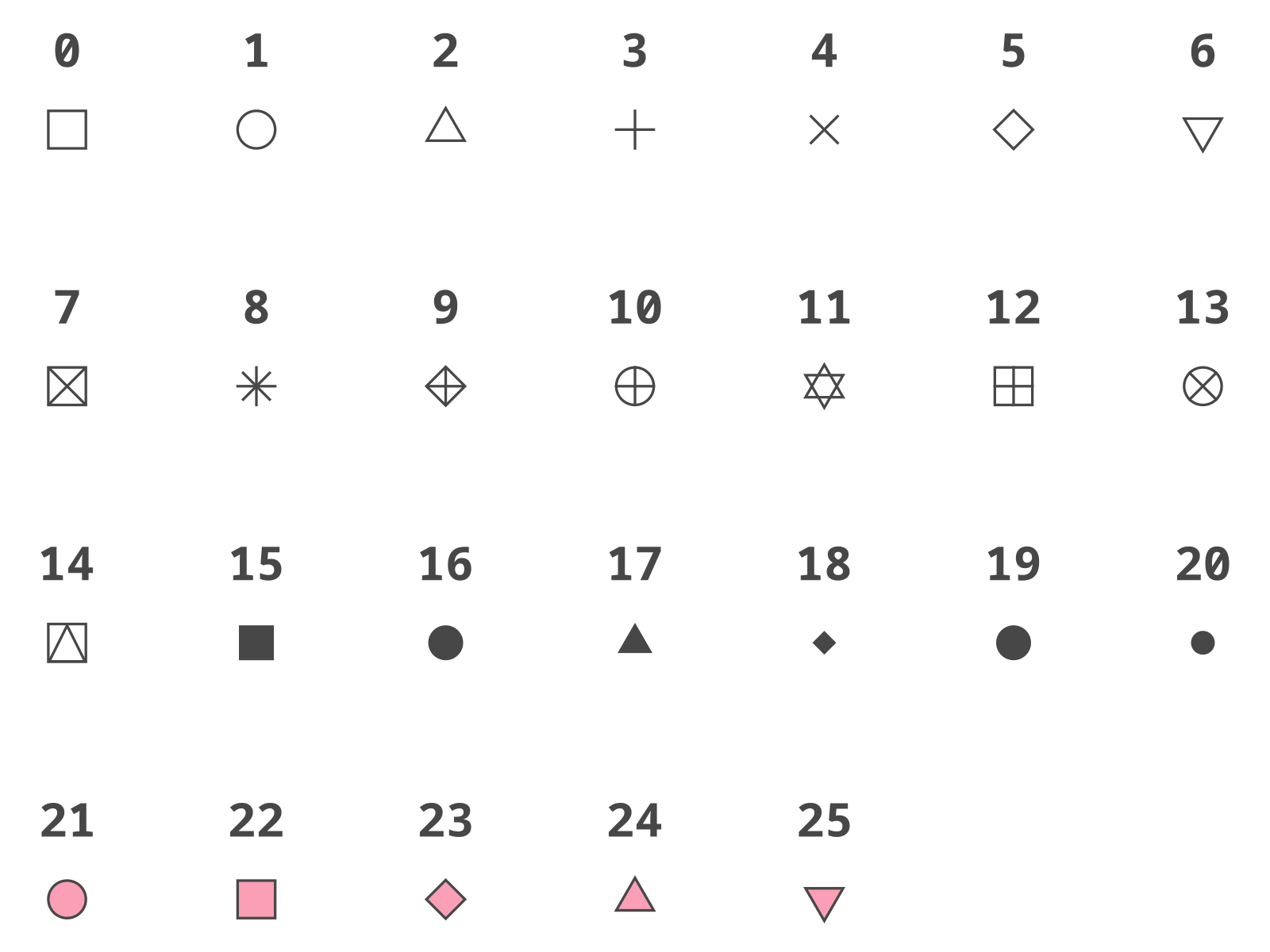
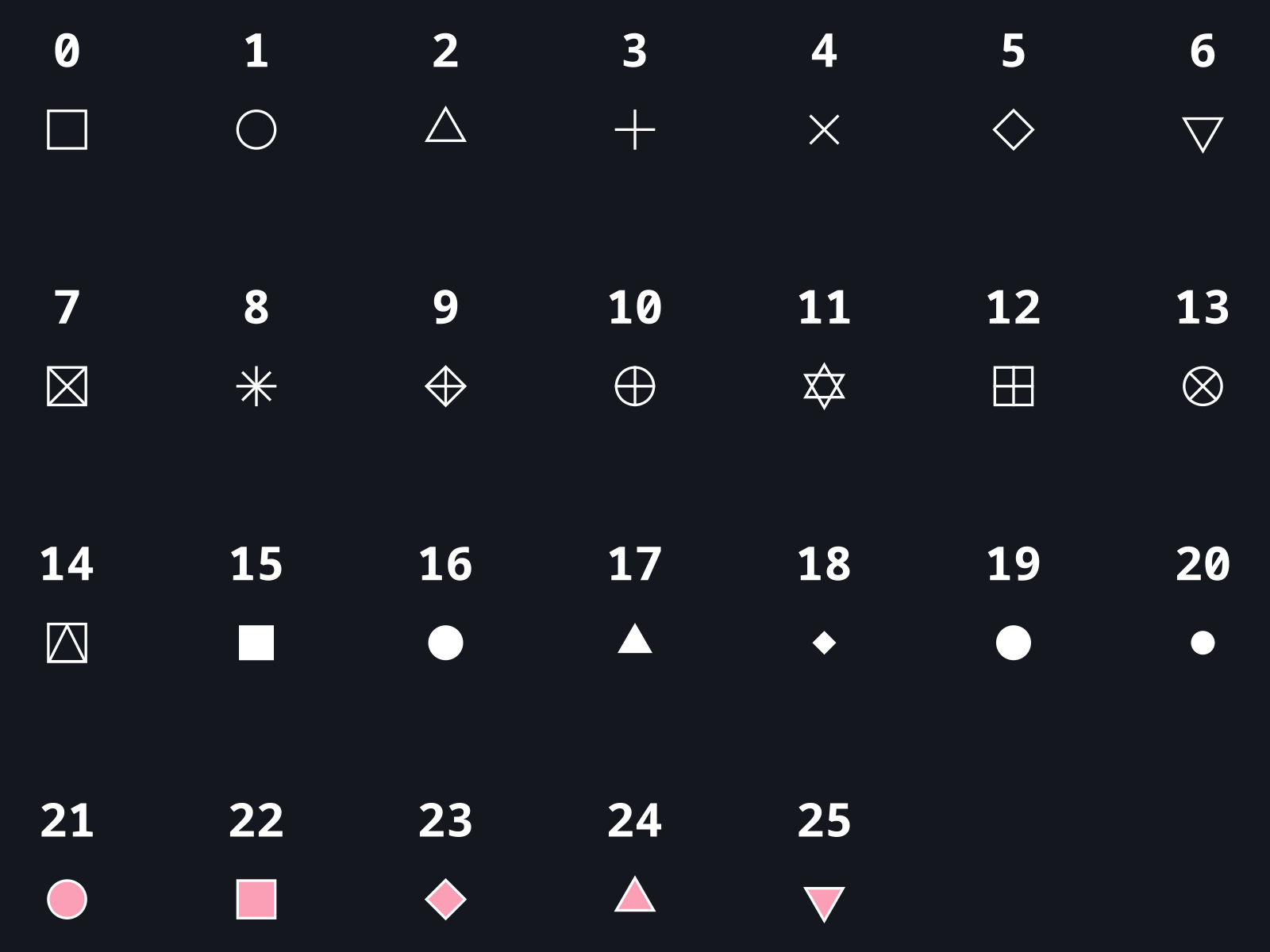
See example.
Line Types#
Predefined Patterns#
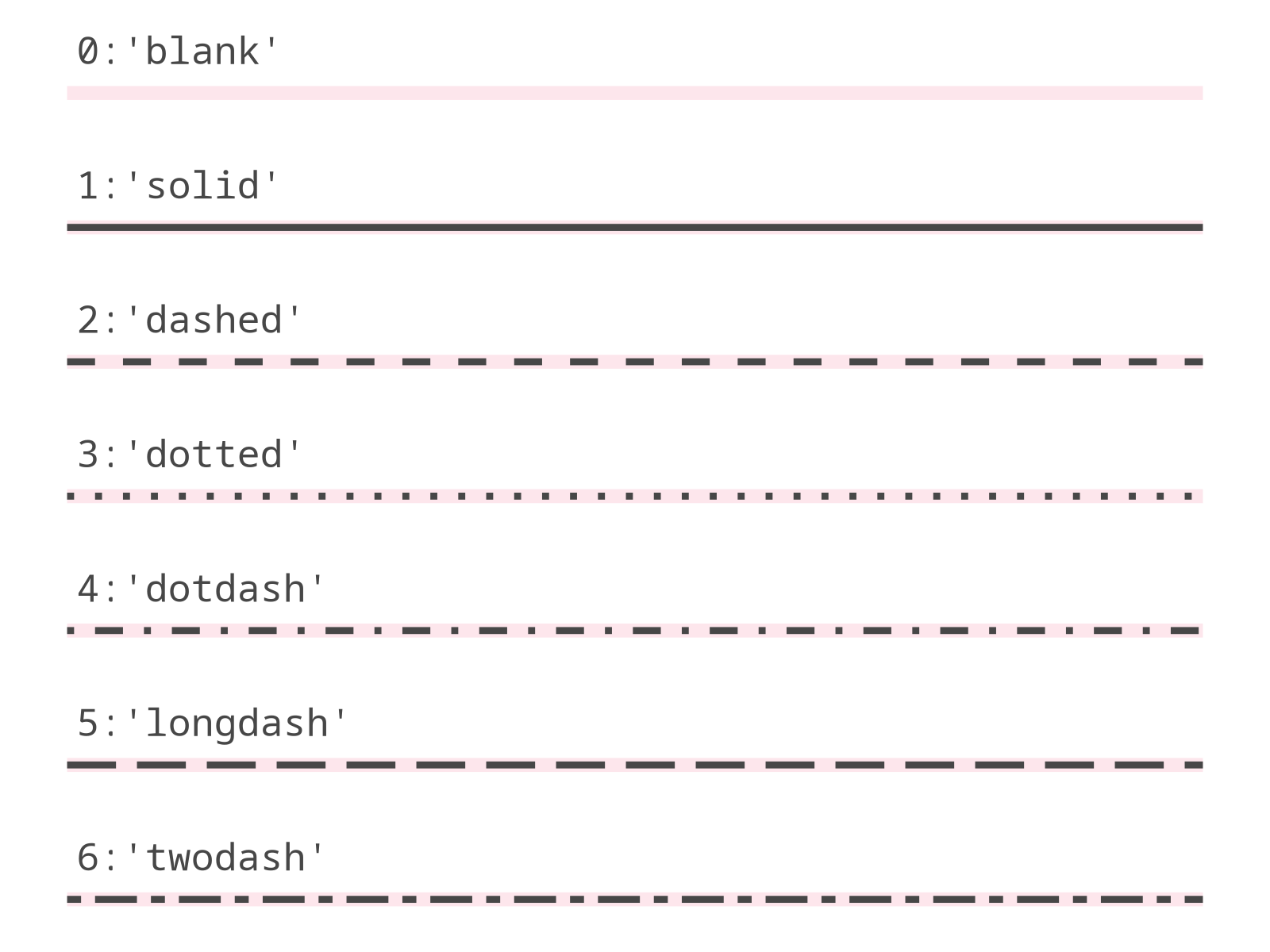
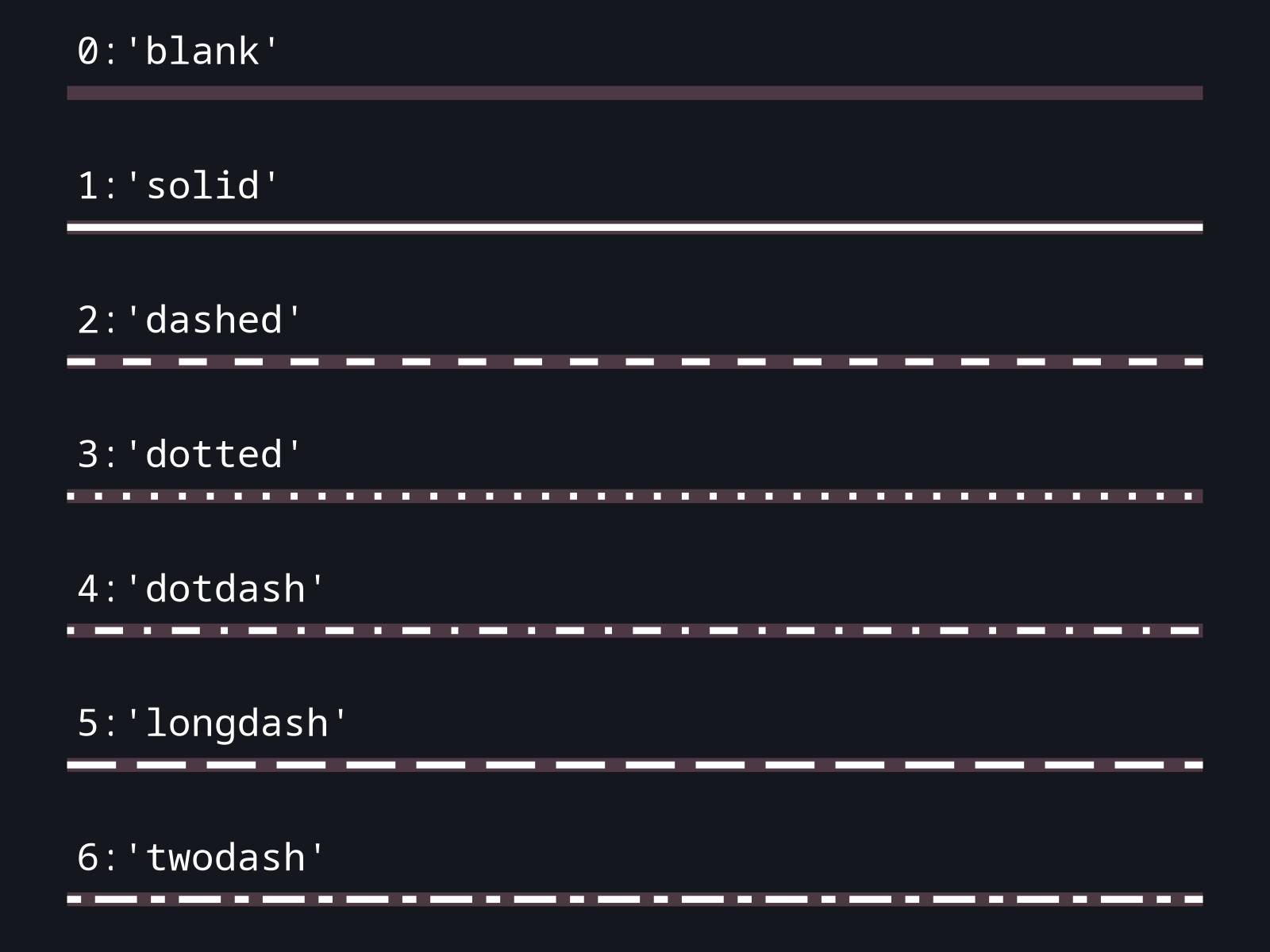
See example.
Custom Patterns#
Ways to specify the linetype:
list, defining the pattern of dashes and gaps used to draw the line:
[dash, gap, ...];list with specified offset:
[offset, [dash, gap, ...]];string of an even number (up to eight) of hexadecimal digits which give the lengths in consecutive positions in the string.
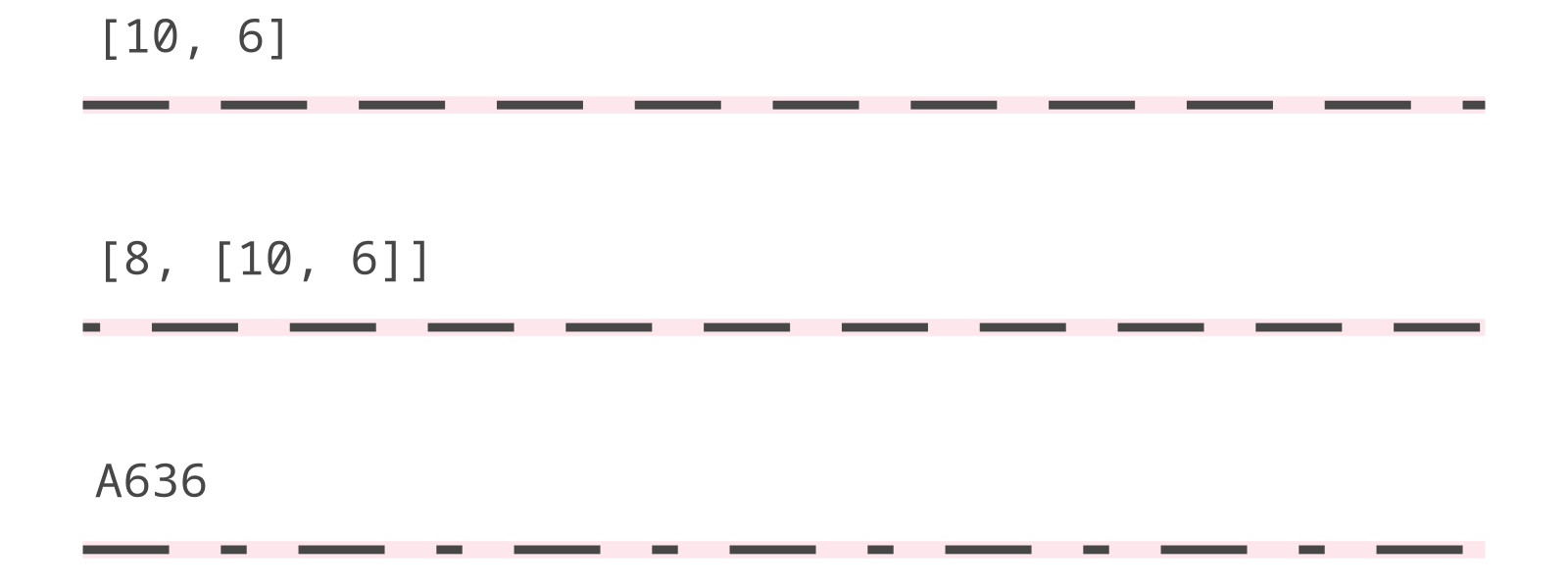
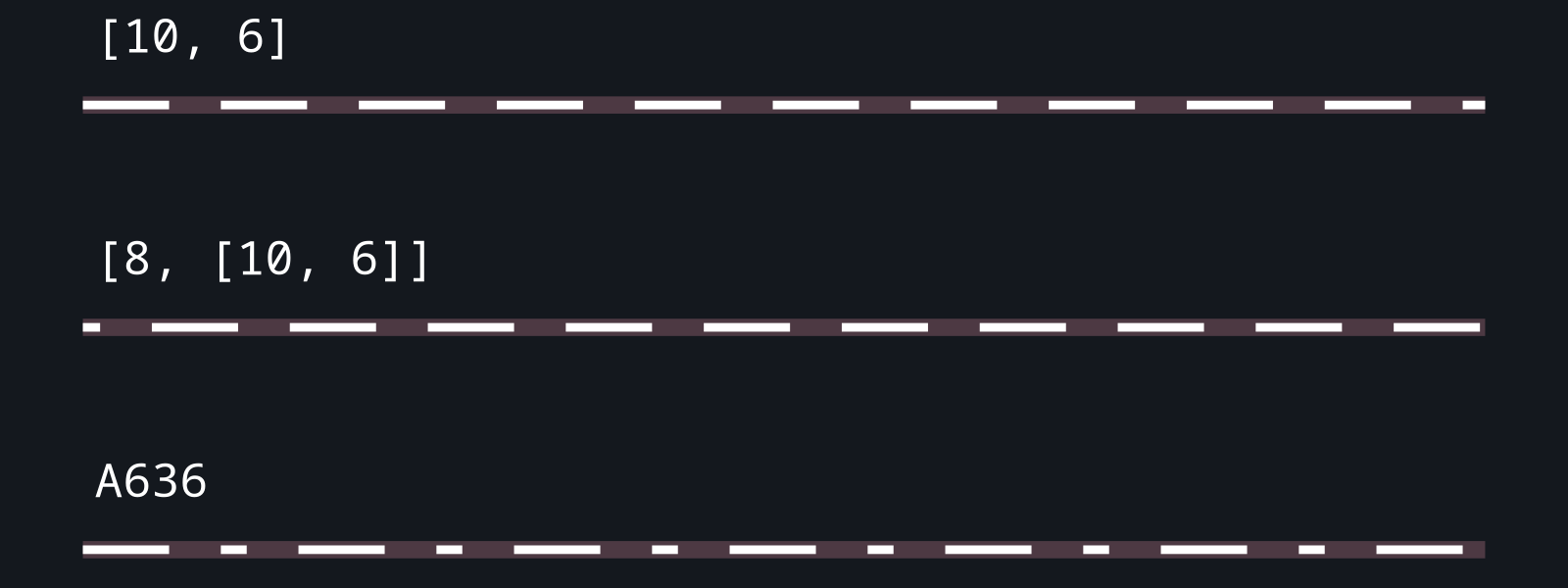
See example.
Text#
Font Family#
Universal font names:
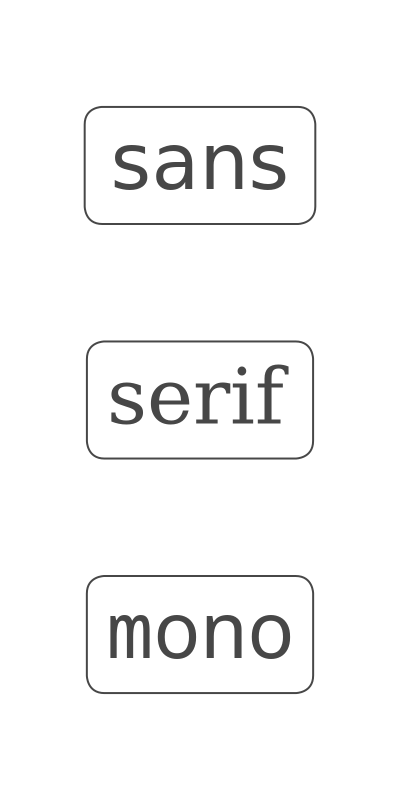
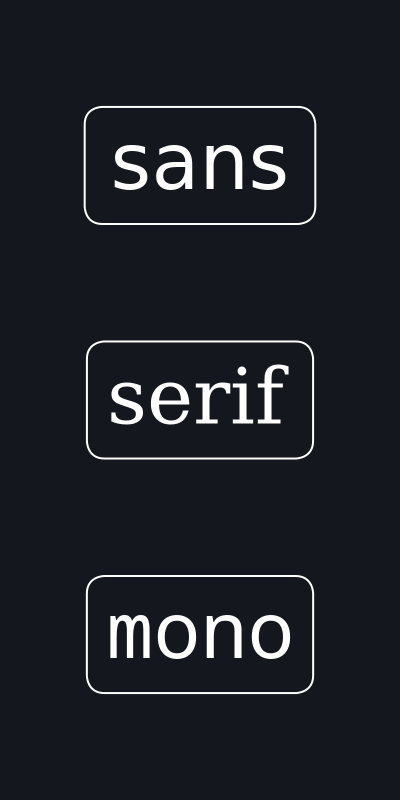
The default font family is 'sans'.
You can also use the name of any other font installed on your system (e.g. "Times New Roman").
See example.
Font Face#
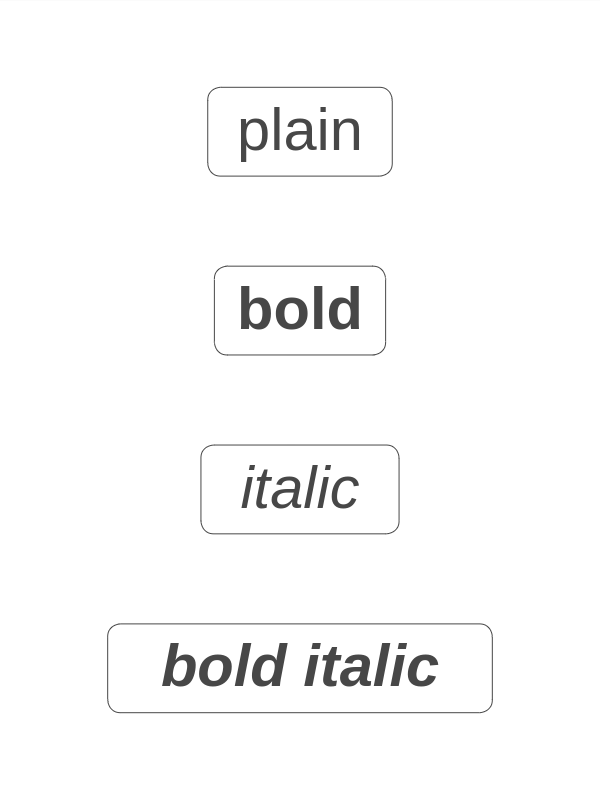
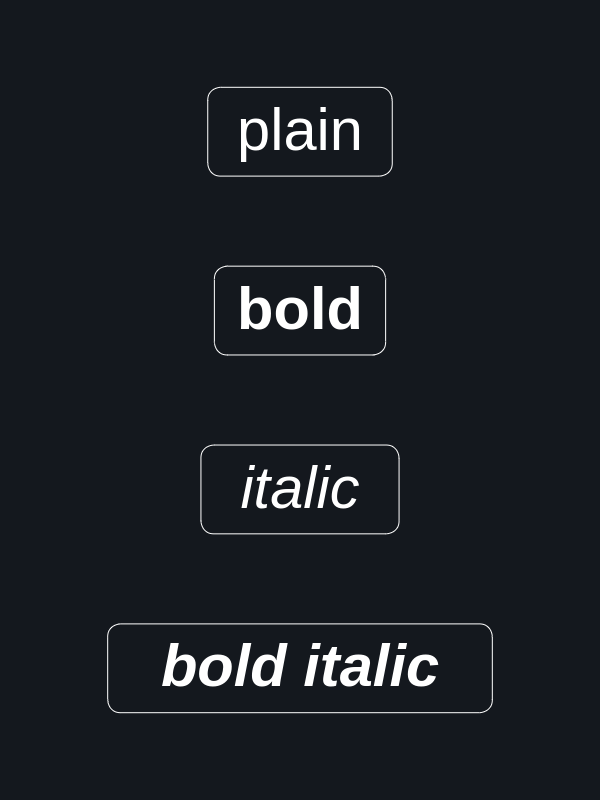
The default font face is 'plain'.
See example.
Color and Fill#
Colors can be specified using named colors,
theme-dependent system colors ("pen", "paper", "brush"), RGB/RGBA strings, HEX values,
or color(...). Named colors are case-insensitive;
hyphens and underscores are ignored, and grey is treated the same as gray
("dark_orange", "light-blue", and "DARK-GREY" are valid).
In addition to the named colors listed in the Named colors reference,
grayscale names from "gray0" to "gray100" are supported.
Transparency can be included directly in the color value by using an alpha-enabled format
or by appending opacity to a named color, for example "steelblue / 0.35".
Type |
Format |
Example |
|---|---|---|
Named color |
|
|
Named color with opacity |
|
|
System color |
|
|
RGB |
|
|
RGBA |
|
|
Color function |
|
|
Color function with opacity |
|
|
HEX RGB |
|
|
HEX RGBA |
|
|
Transparent |
|
|
For opacity values, 0 means fully transparent and 1 means fully opaque;
percentage values such as "steelblue/35%" are not supported. See also an example.
System colors "pen", "paper", and "brush" can be used when you want a color to adapt to the active theme or flavor.
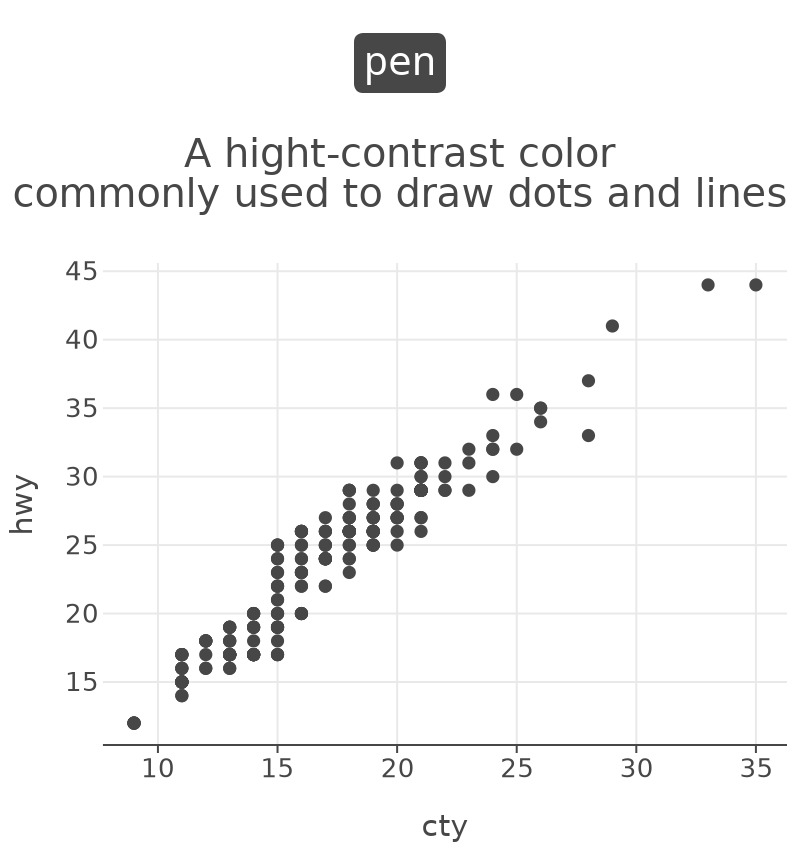
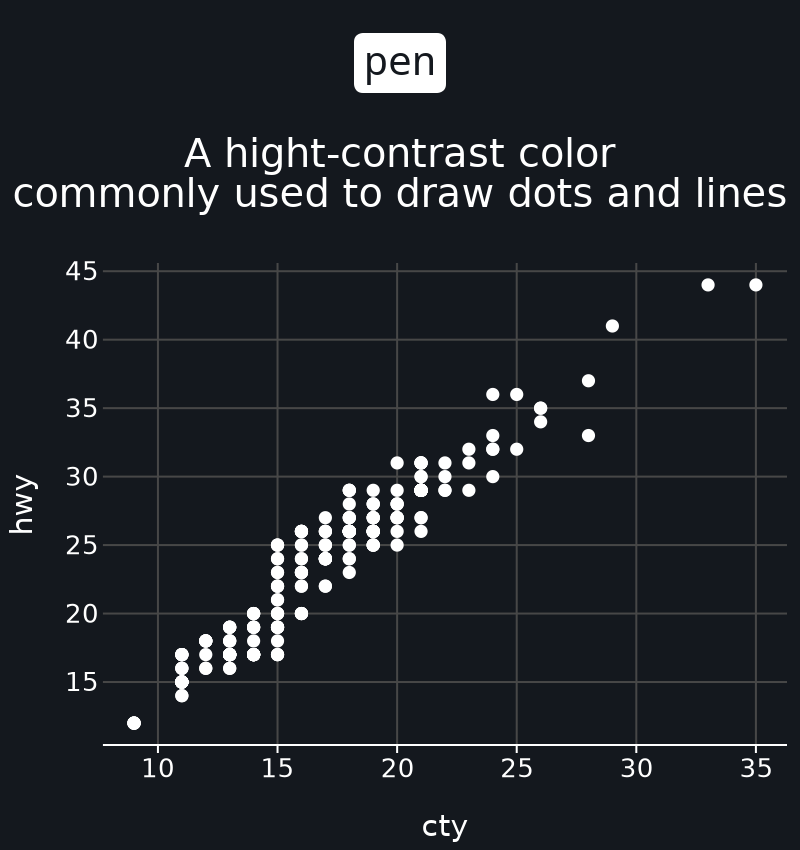
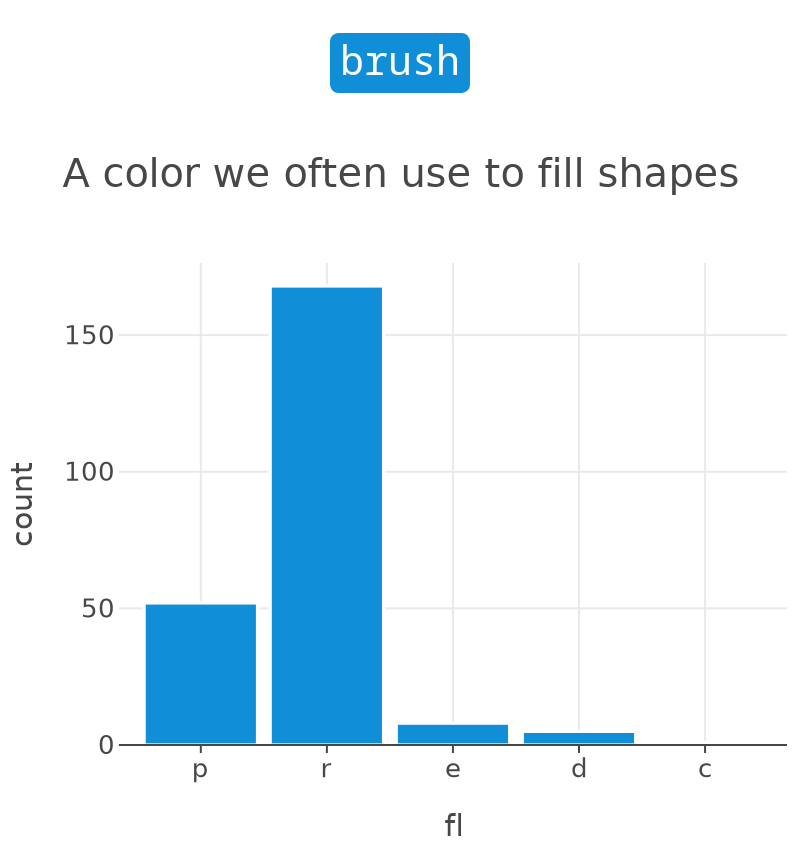
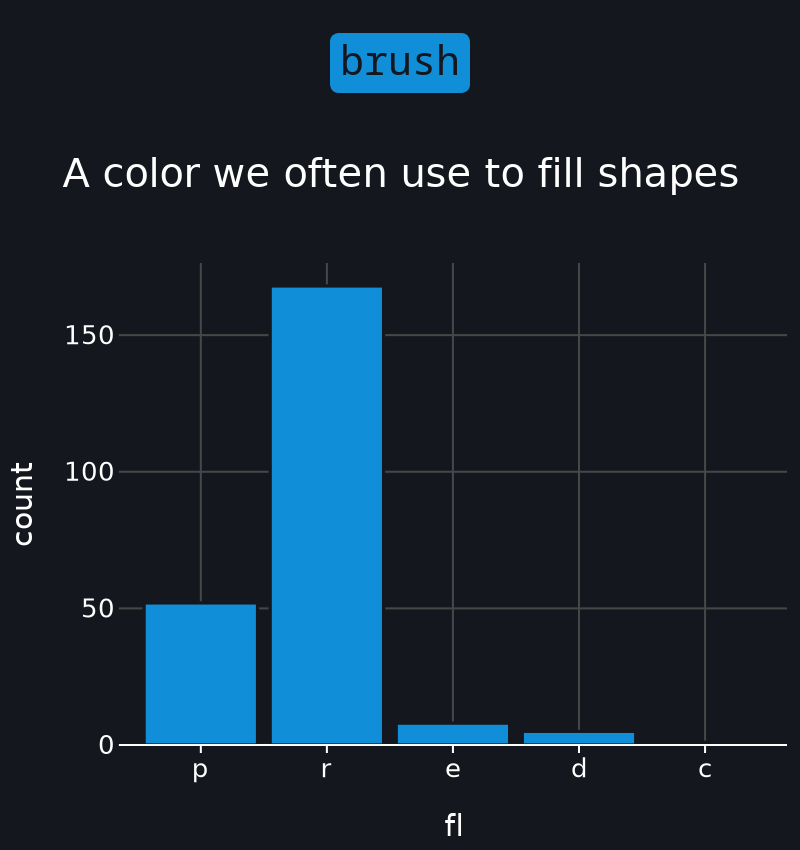
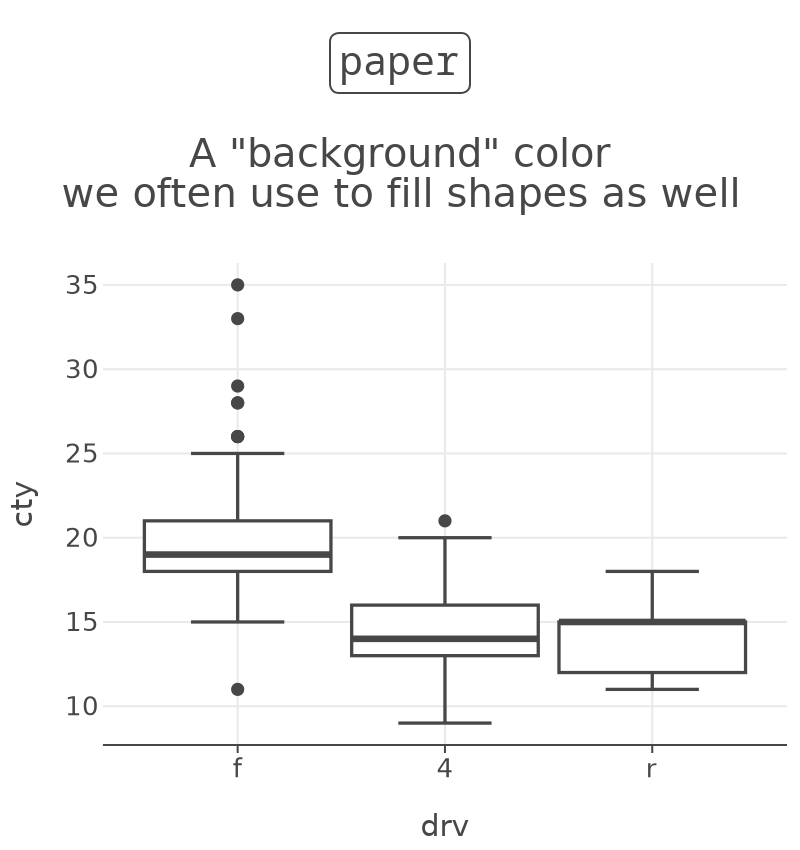
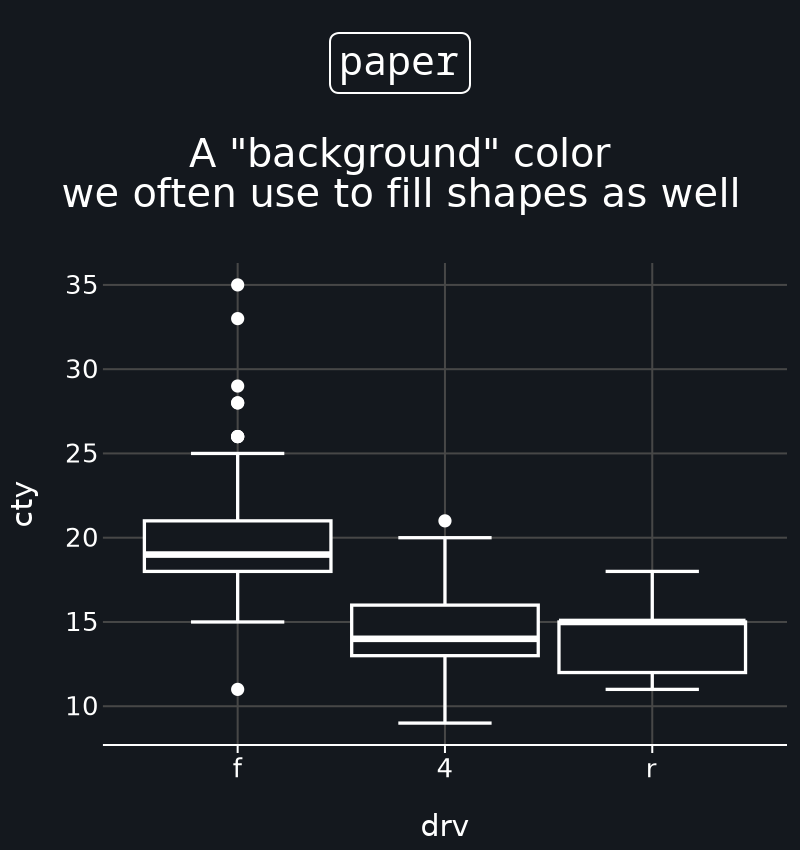
See example.